Scan This QR and I'll Predict Your Next 2FA Code
Your authenticator app works in airplane mode, yet the server always knows your code. Scan a QR on this page, and watch it predict your next code before your phone shows it. Then we take TOTP apart, step by step.
- Author
- Faisal Husain
- Published
- Reading time
- 5 min read
- Share
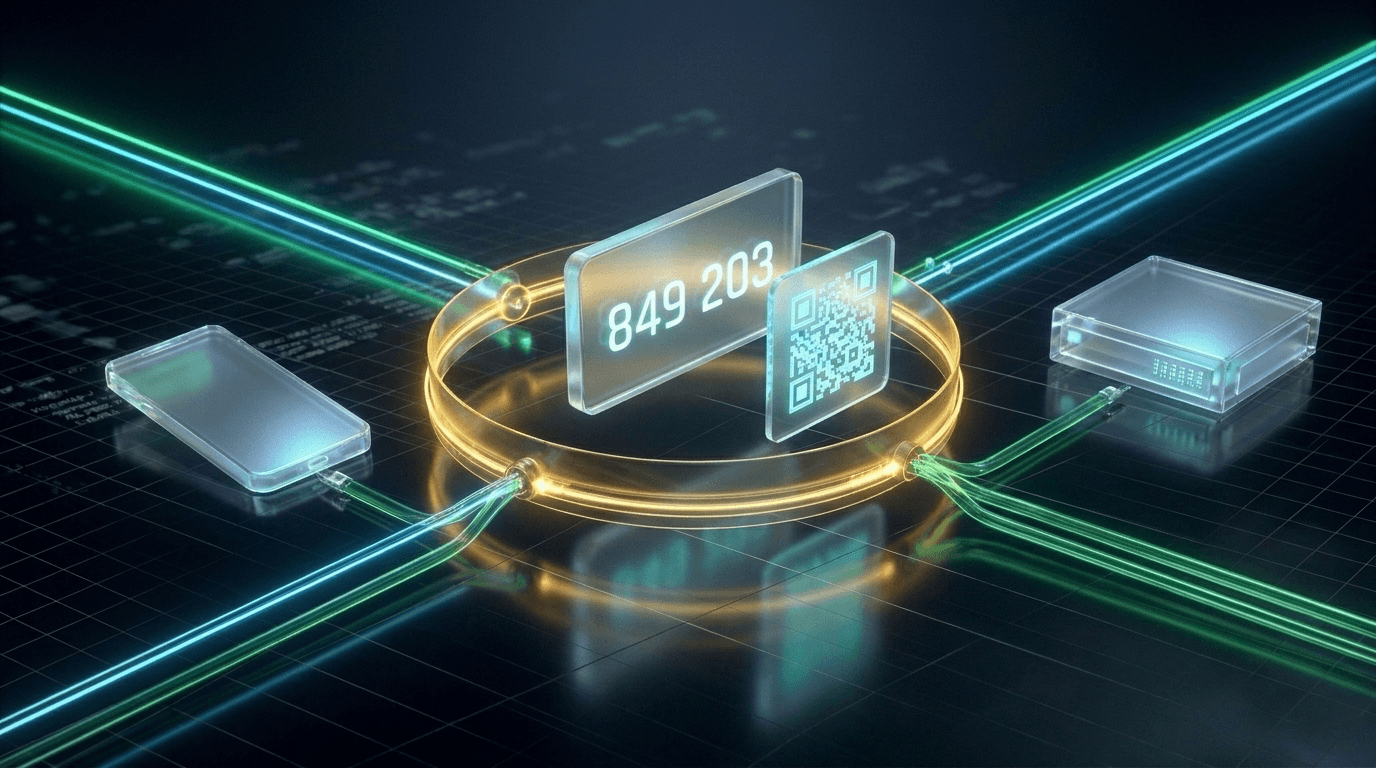
Turn on airplane mode and open Google Authenticator. The codes keep changing every 30 seconds. Type one into a website and it works.
Your phone didn't send anything. The server didn't send anything. So how does the server know which six digits are on your screen?
Let's skip the explanation for a minute. Scan the QR below with any authenticator app. Then press the button, and this page will tell you the code that's on your phone and the next one before it shows up.
Scan this. I'll tell you your next code.
Open Google Authenticator, Authy, 1Password, or any authenticator app and add an account by scanning the QR. Then turn on airplane mode if you like.
Or type the key manually
…
Reading this on your phone? Tap Copy key, then in your app choose “Enter a setup key” and paste it.
Once Faisal Husain shows up in your app, don't tell me the number. This page has no idea what's on your screen, and your phone can't talk to it.
The secret is generated in your browser and never leaves this tab. It's a throwaway: delete the entry from your app when you're done.
Did it get it right? It should have. And it wasn't a trick. Here's what happened.
Two parties, one secret, one clock
That QR code is just text. If you decode it, it looks like this:
otpauth://totp/Faisal%20Husain:blog-visitor?secret=JBSWY3DPEHPK3PXP...&issuer=Faisal%20Husain&algorithm=SHA1&digits=6&period=30The important part is secret. It's a random 20-byte key, written in Base32 so a human can type it if the camera fails.
When you scanned it, your app saved that secret. This page also has it (in a real app, the server would save it in your user record). From that moment on, nothing ever needs to travel between the two again.
Each side then runs the same calculation:
code = f(secret, current time)Same secret. Same time. Same function. Same answer. That's the whole trick. My "prediction" was just me running f with a time 30 seconds in the future.
This is called TOTP: Time-based One-Time Password, defined in RFC 6238.
From the clock to six digits
So what is f? Fewer steps than you'd think. The lab below runs it live with the secret you just scanned, so the last step should match your app.
The calculation, live
Same secret you scanned, computed live. Move the clock and watch every step change.
- 01
Read the clock (Unix seconds)
…
- 02
Divide by 30 and floor it: the counter T
⌊… / 30⌋ = 0
Everyone in the same 30-second window gets the same T. That's the only thing your phone and the server need to agree on.
- 03
Write T as 8 bytes (big-endian)
…
- 04
HMAC-SHA1(secret, T): 20 bytes of noise
········································The secret is the key; the counter is the message. Change either by one bit and every byte changes.
- 05
Pick 4 bytes using the last byte's low nibble
0x·· & 0x0f = offset … → …
This is called dynamic truncation. The HMAC itself decides which slice to use.
- 06
Drop the top bit, read as a number
0x… & 0x7fffffff = …
- 07
Keep the last 6 digits
… mod 1,000,000 = ··· ···
Here's the same thing in code. It's the actual function this page uses:
async function totp(secret: Uint8Array, now = Date.now()) {
  // 1–2. Turn the time into a counter that changes every 30 seconds
  const counter = Math.floor(now / 1000 / 30)

  // 3. Counter as 8 bytes, big-endian
  const message = new Uint8Array(8)
  let c = counter
  for (let i = 7; i >= 0; i--) {
    message[i] = c & 0xff
    c = Math.floor(c / 256)
  }

  // 4. HMAC-SHA1 with the shared secret as the key
  const key = await crypto.subtle.importKey(
    'raw', secret, { name: 'HMAC', hash: 'SHA-1' }, false, ['sign']
  )
  const hmac = new Uint8Array(await crypto.subtle.sign('HMAC', key, message))

  // 5. Dynamic truncation: the last nibble picks where to read 4 bytes
  const offset = hmac[19] & 0x0f

  // 6. Read them as a 31-bit number (top bit dropped)
  const n =
    ((hmac[offset] & 0x7f) << 24) |
    (hmac[offset + 1] << 16) |
    (hmac[offset + 2] << 8) |
    hmac[offset + 3]

  // 7. Keep the last 6 digits
  return String(n % 1_000_000).padStart(6, '0')
}
A few things that clicked for me while writing this:
- The time is the only input that changes. Dividing by 30 and flooring it means every second in a 30-second window produces the same counter, so the same code.
- HMAC is what makes it safe. Without the secret, the output looks random. Seeing a hundred of your old codes doesn't help anyone guess the next one.
- Steps 5–7 just turn 20 bytes into something a human can type. Dropping the top bit avoids signed-integer differences between languages.
If you swap the counter for a number that goes up every time you press a button, you get HOTP (RFC 4226), the older sibling. TOTP is literally HOTP with the clock as the counter.
What if the clocks disagree?
This all depends on your phone and the server agreeing on the time. They usually do, because both sync over the network. But two things get in the way:
- Your phone's clock can drift, especially if it's been offline for a long time.
- You take time to type. You read the code at second 24, fumble the keyboard, and hit submit at second 32. The server is already in the next window.
So servers don't check just one window. They check the current one and its neighbours, usually one step back and one step forward. Play with it:
Drift simulator
The server doesn't only check the current window. It also tries its neighbours.
Server accepts ± windows
Accepted. The code is from window -1, inside the ±1 the server tries.
Try ±0 with the defaults: you read the code at second 24, took 8s to submit, and the window rolled over underneath you.
That ±1 window is a trade-off. Bigger means fewer "invalid code" complaints, but it also means each code stays valid for longer. ±1 gives you about 90 seconds in total, which is the common default.
Some servers go one step further and remember which window you were last accepted in. If your phone is consistently 40 seconds behind, they adjust for it next time.
The server side, in a few lines
When you put it together, verifying a code on the backend looks roughly like this:
async function verify(user: User, submitted: string) {
  const counter = Math.floor(Date.now() / 1000 / 30)

  for (const drift of [0, -1, 1]) {
    const c = counter + drift
    if (c <= user.lastUsedCounter) continue // already used: block replays

    if (timingSafeEqual(await hotp(user.totpSecret, c), submitted)) {
      user.lastUsedCounter = c
      return true
    }
  }
  return false
}
Two details that are easy to miss:
- Replay protection. A code is valid for up to 90 seconds. If someone watches you type it, they could reuse it. Storing the last accepted counter makes each code single-use.
- Constant-time comparison. Comparing strings with
===can stop at the first different character, which leaks timing information. Use something like Node'scrypto.timingSafeEqual.
And when you first set up 2FA for a user, you generate the secret, show it as a QR, and ask for one valid code before turning it on. That confirms they actually scanned it, and that their clock is sane.
So, offline?
Yes, completely. The only thing that ever crossed the gap was the QR code you scanned at the start. Since then, your phone and this page have been doing the same maths, on their own, on opposite sides of an airplane-mode switch.
That's why I could "predict" your code. I didn't need your phone. I just needed the secret and a clock.
Don't forget to delete the Faisal Husain entry from your authenticator app. It was a throwaway secret, but it's a good habit.
-- bye for now
Let's work together
Have a product problem worth solving?
I help teams build fast, dependable products with thoughtful interfaces and strong engineering foundations.