Why Your Password Needs 8 Characters and Your ATM PIN Only Needs 4
Why do websites want 8 character passwords when my ATM card is fine with a 4-digit PIN? A small thought experiment: what if you just tried every single combination? You can try it in your browser too.
- Author
- Faisal Husain
- Published
- Reading time
- 6 min read
- Share
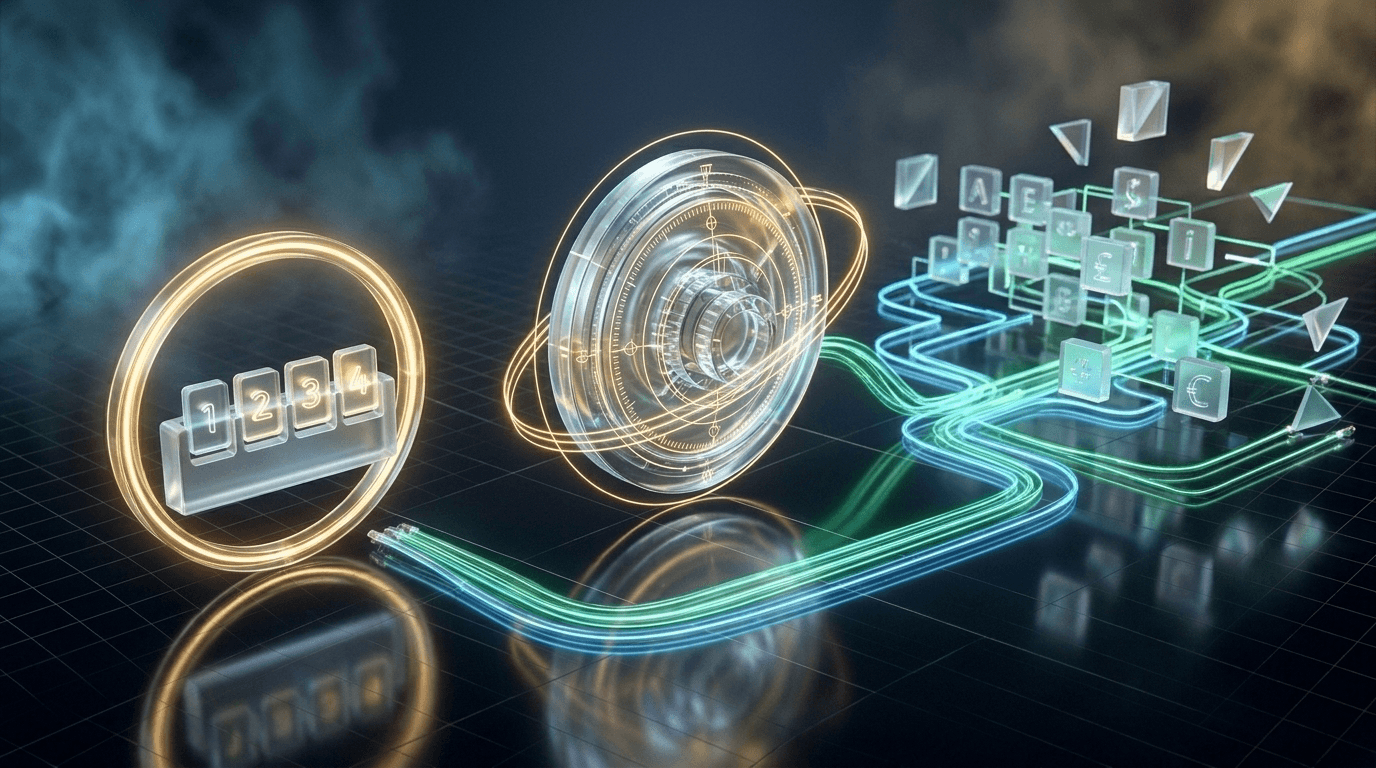
Something has been bugging me for a while.
Every website wants my password to be at least 8 characters. But my ATM card? Just 4 digits. And that card has my actual money on it. My Instagram password protects... my Instagram.
That feels backwards. So I tried to figure it out.
The thing guarding actual money gets away with a shorter secret. That's the question this post is about.
So here's a thought experiment: what if you just guessed a password by trying every possible combination, one after another? How long would that take?
Try it
Pick a password below and hit start. The page will try 0000, 0001, 0002, and keep counting until it finds yours.
Crack it yourself
Pick a password. This page will try every possible one, in order, until it lands on yours. It's the simplest way to guess a password, running on your device.
Allowed characters
10 characters, length 4: 104 = 10,000 possibilities.
Current guess
····
- Guesses
- 0
- Time
- –
- Per second
- –
Worst case, this needs 10 thousand guesses. Try a 4-digit PIN first, then an 8-digit one, then 6 lowercase letters. Notice where it stops feeling instant.
Everything runs in this tab and nothing is sent anywhere. Still, don't type a password you actually use. Your speed gets used in the calculator further down.
Try these one by one:
- A 4-digit PIN. Done before you can blink.
- An 8-digit PIN. Now you can actually see it counting.
- 6 small letters. This one makes you wait.
The third one is where it got interesting for me.
Counting the combinations
Let's count how many passwords are even possible.
A 4-digit PIN has 10 options (0 to 9) for each spot. So it's:
10 × 10 × 10 × 10 = 10,000Only 10,000 PINs exist. That's nothing for a computer.
Now take a password with small letters only. There are 26 letters, so each spot has 26 options. For 8 letters:
26 × 26 × 26 × 26 × 26 × 26 × 26 × 26 = 208,827,064,576That's 208 billion. Here's how it grows:
| Password | Options per spot | Length | Total combinations |
|---|---|---|---|
| ATM PIN | 10 | 4 | 10,000 |
| Phone PIN | 10 | 6 | 1,000,000 |
| small letters | 26 | 6 | 308,915,776 |
| small letters | 26 | 8 | 208,827,064,576 |
| small + capital + numbers | 62 | 8 | 218,340,105,584,896 |
| everything on the keyboard | 94 | 8 | 6,095,689,385,410,816 |
The last one is about 6,000 trillion. I had to count the commas twice.
What surprised me most: adding one more character doesn't add a little. It multiplies everything. Two extra small letters means 26 × 26 = 676 times more passwords.
Switch the options below and look at how fast the bars grow.
Every character multiplies, it doesn't add
Going from 4 to 5 characters doesn't add a few more options. It multiplies all of them. The bars are squished to fit; drawn to real size, every bar except the last would be too tiny to see.
- 410 thousand
- 5100 thousand
- 61 million
- 710 million
- 8100 million
- 91 billion
- 1010 billion
- 11100 billion
- 121 trillion
Blue: under a billion, a laptop chews through it. Green: billions, takes a while. Amber: a trillion and up, where a laptop gives up.
The thought experiment
Imagine the dumbest possible way to guess a password. Start at aaaa, then aaab, then aaac, all the way to zzzz. Just like the numbers on a bike's odometer rolling over.
The last wheel spins fastest. When it passes z, it goes back to a and nudges the wheel next to it, just like the numbers on a bike's odometer.
No tricks. Just try everything until one works. Say a normal laptop can do around 10 million guesses a second.
Then I did the maths:
- 5 small letters: about 12 million → a couple of seconds.
- 8 small letters: about 208 billion → about 6 hours.
- 8 characters from the whole keyboard: about 20 years.
So my first guess at the answer was: "Longer passwords have billions and trillions of combinations, and a normal computer can't try them all. That's why."
But I kept thinking about it, and that's only half the answer.
It's also about how fast you can guess
A billion guesses isn't actually that much for a computer. A laptop can get through it in a couple of minutes.
So the number of combinations alone isn't enough. What really matters is:
time to guess = total combinations ÷ guesses per secondAnd how fast someone can guess depends on where they are guessing. Play with this:
How long until it's guessed?
Choose what goes into the password and how long it is. Each row shows how long it would take, on average, to guess a random one.
Characters allowed · 36
Length · 8
One random example
········
Possible passwords
2.82 trillion
368 = 2,821,109,907,456
Guessing on a website 10/s
4.47 thousand years
Every guess goes through the login page. Most sites slow you down or lock the account long before this.
A normal laptop 10 million/s
1.6 days
Just trying every combination, one after another.
A powerful gaming PC 5 billion/s
4.7 minutes
Someone guessing on their own fast computer after a website gets hacked. No login page, no lockout.
This only works for random passwords. Something like Rahul@123 looks strong, but common words and patterns get tried first, so it would fall almost instantly.
Guessing on a website
If someone tries to guess my password on a login page, every guess has to go to the website. The website can slow them down, or lock the account after a few wrong tries. Ten guesses a second is already a lot.
This is why an ATM PIN can be just 4 digits. You get 3 tries, then the card is blocked. The chance of guessing a 4-digit PIN in 3 tries is 3 out of 10,000. The bank doesn't need a long PIN. It just stops you from guessing fast.
My phone does the same thing. Type the wrong PIN a few times and it makes me wait 30 seconds, then longer, then longer.
Guessing on your own computer
But what if a website gets hacked and its password data leaks? Now the attacker doesn't need the login page. They can guess on their own computer, as fast as their computer can go. No waiting. No lockout.
On the website, the website decides how fast you can guess. After a leak, only the attacker's computer does.
And some computers are really fast. A powerful gaming PC can try billions of guesses every second. At that speed, 8 small letters is gone in under a minute.
So I think the long-password rule isn't really about the login page. It's for the day the website gets hacked. On that day, the only thing protecting you is how many combinations your password has.
But wait, people don't pick random passwords
All this maths assumes the password is random. Mine isn't. Most people's aren't.
Nobody guessing passwords starts from aaaaaaaa. They start with the common stuff:
123456,password,qwerty- names and normal words
- the usual pattern: capital letter first,
@in the middle, numbers at the end
Rahul@123 has capitals, small letters, numbers, and a symbol. On paper it looks strong. But it's the exact shape everyone uses, so it would be one of the first things tried.
So the way I see it now:
A longer password gives you more room. A random one actually uses that room.
Four random words like correct horse battery staple turn out to be about as hard to guess as 8 random keyboard characters, and way easier to remember.
What I figured out
- Combinations multiply. Every extra character multiplies the total, which is why 8 characters jumps into billions and trillions.
- It's not "can a computer do it", it's "how long will it take". Total combinations divided by guesses per second.
- PINs are short because guessing is slowed down. 3 tries at the ATM. Waiting time on my phone.
- Passwords are long because websites get hacked. Then there's no limit on how fast someone can guess.
- Random beats clever. A password manager can make long random passwords for you, so you don't have to remember them.
It started with a simple question about my ATM card. Now I look at those "minimum 8 characters" messages a little differently.
Bye for now.
Let's work together
Have a product problem worth solving?
I help teams build fast, dependable products with thoughtful interfaces and strong engineering foundations.